Shipping documents
All delivery notes and order documents. In the right place. Right away.


All delivery notes and order documents. In the right place. Right away.
Eliminate the need for manual sorting of delivery slips, misfiled documents, and time-consuming searches when a customer calls with a question.
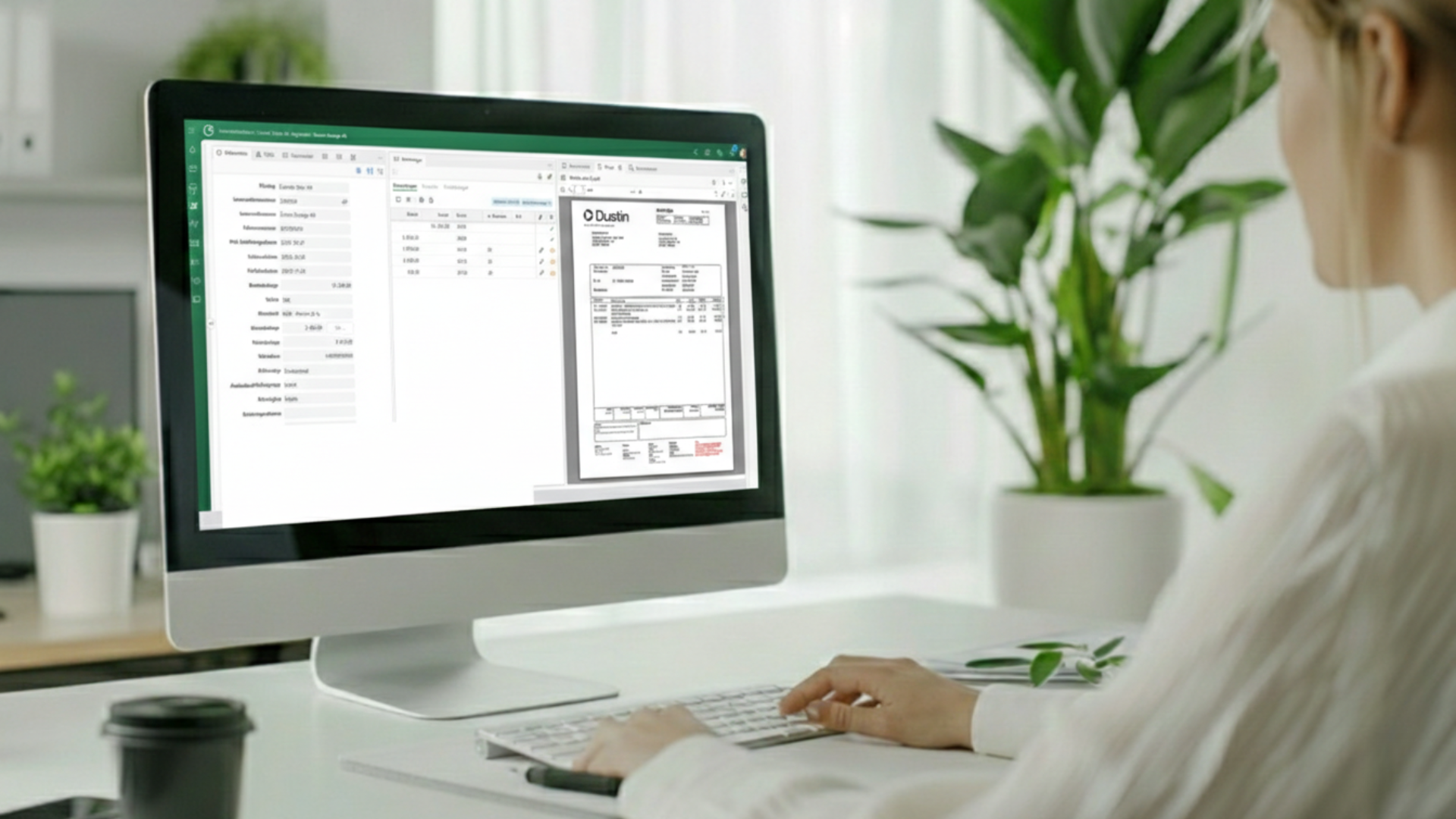
With Conrab Optos’ shipping document module, all order documents are automatically imported, interpreted, and archived—categorized, searchable, and accessible in seconds.
Many organizations manage delivery notes and order documents using a mix of binders, local folders, and loose PDF files. No one has a complete overview, it takes too long to find the right document when customers make inquiries, and the connection between orders, delivery notes, and invoices is difficult to see.
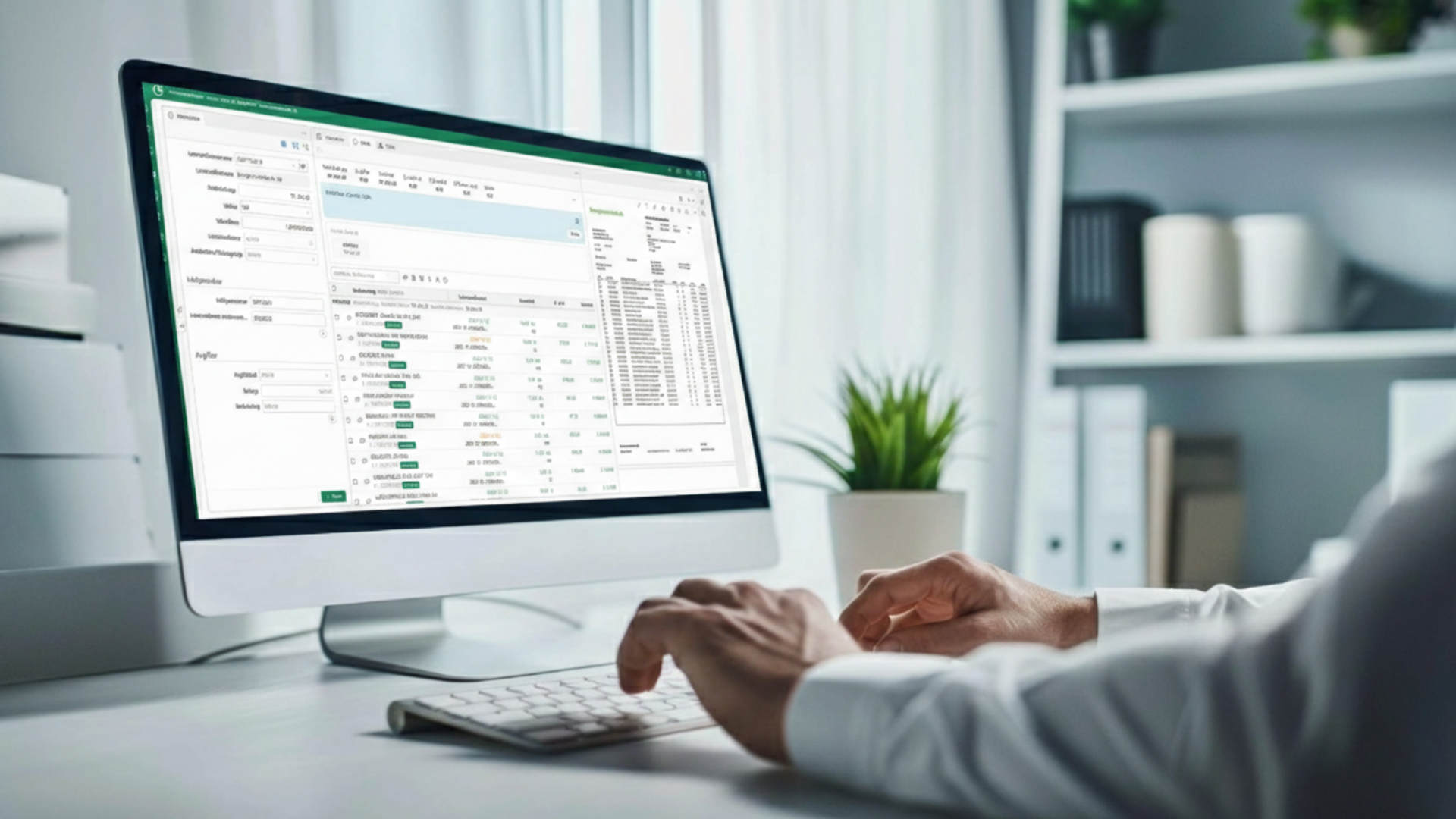
The documents are scanned in batches using a multi-function scanner and sent to one of four dedicated email addresses—one for each document category. The system handles the rest. No manual sorting, no risk of documents ending up in the wrong pile.
Result: From scanner to archive without a single manual step.
Documents are automatically categorized into shipping and delivery notes, cutting orders, return orders, and pickup orders based on the email address they were sent to. The category is assigned immediately upon import, ensuring that all documents are placed in the correct category from the start.
Result: A structured archive with clear categorization, without anyone having to sort items manually.
Waybill and order numbers are automatically extracted based on formatting logic and added to the information tab on the document. All order numbers are recorded, and the entire document content is scanned, making all text on the documents searchable in the archive.
Benefit: Find the right document in seconds, whether you search by order number, tracking number, or free text.
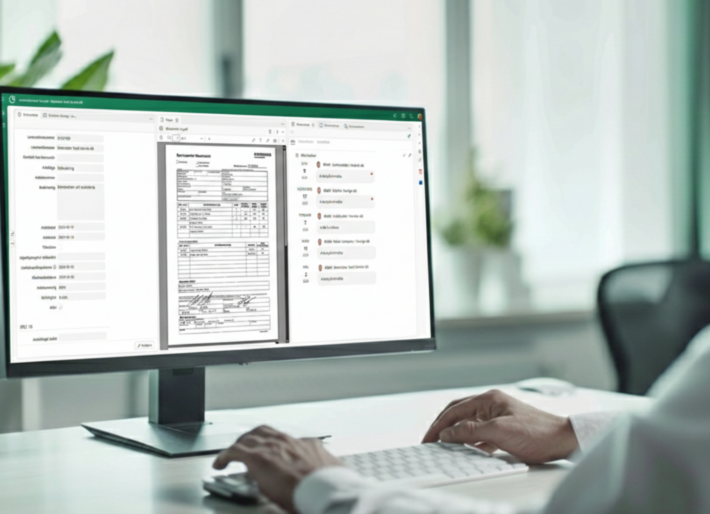
The first page of an incoming batch automatically becomes the main document. The remaining pages are added as attachments directly linked to the same entry. Everything is connected; nothing is left loose.
Result: A complete set of documents per order without manual assembly.
Thanks to mass interpretation, all text in every document can be searched for in the archive using a free-text search. Search for any word or value directly within the document content, not just in registered fields.
Result: Find exactly what you're looking for, even when you don't know exactly which document it's in.
Document management in the archive follows the Conrab Opto standard. You can add attachments, enter comments, send messages in a conversation, and set reminders directly on the individual document.
Result: All communications and notes linked to the correct document are always available.
We have over 30 years of experience digitizing business processes for medium-sized companies in the private sector. Our customer order module is:

Companies that implement the shipping document module often highlight:

Contact us, and we’ll show you how to set up an automated document workflow for your delivery notes and order documents. You’ll get to see the entire workflow, ask questions, and receive specific guidance tailored to your needs.
It takes just 30 seconds to contact us; the rest of the time is saved every time you need to locate an order document.
The documents are scanned in batches using a multi-function scanner and sent to a dedicated email address for each document category. The system automatically retrieves the documents, interprets their content, and archives them directly under the correct category, without any manual intervention.
The module handles four categories: shipping and delivery notes, saw orders, return orders, and pickup orders. The category is automatically assigned based on the email address to which the document was sent.
The first page in the batch automatically becomes the main document. The remaining pages are added as attachments linked to the same entry in the archive. Everything is organized together without anyone having to sort it manually.
All documents are automatically indexed upon import, which means that all text in every document becomes searchable in the archive via full-text search. You can search by order number, shipping number, or any keyword directly within the document content.
Waybill and order numbers are automatically extracted based on formatting logic and recorded in the information tab of the document. All order numbers on a document are extracted and added, making it easy to search and filter by these values in the archive.
Yes. The system complies with the Conrab Opto standard, and you can attach files, add comments, send messages in a conversation, and set reminders directly on individual documents in the archive.
Absolutely. The module is a natural part of the Conrab Optos platform and works seamlessly with other modules, such as invoice disputes and invoice processing. This creates a cohesive workflow from order documents to invoicing and any disputes, without unnecessary duplication of effort.
Conrabs' case management system adapts to your workflows—whether you're handling 5 or 50 different types of cases.
Want to know more?
The most comprehensive system on the market
Want to know more?