PDF invoice or e-invoice?
Here is the key difference and what it means for you


Here is the key difference and what it means for you
Managing supplier invoices efficiently is one of the most important aspects of a stable cash flow. But many companies are still bogged down in manual processes that consume time, lead to errors, and make it difficult to maintain control.
Today, there are two common ways to receive invoices: PDF invoices and e-invoices. They may look similar on the surface, but they work very differently in practice.
Here’s a straightforward and easy-to-understand guide to help you choose the right format for your business.
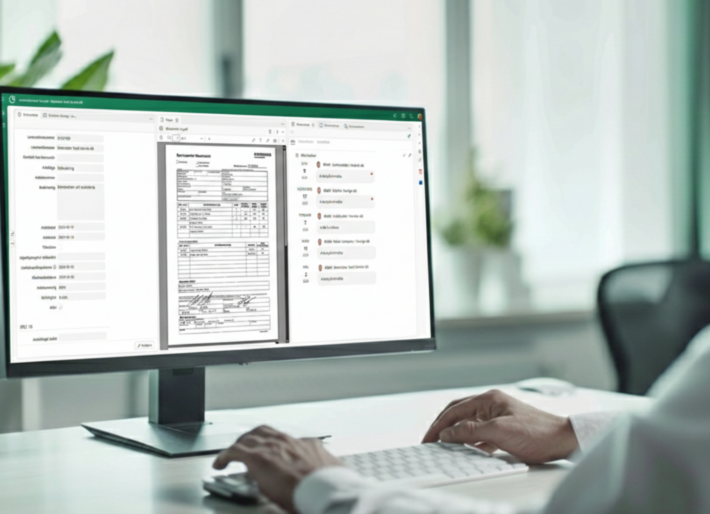
A PDF invoice is a digital copy of a paper invoice. It is usually sent as an attachment via email.
The PDF format does not contain any structured data.
This means you need:
PDF invoices are still common in smaller businesses, but they are far from ideal as volumes increase.
An e-invoice is a structured electronic invoice (e.g., PEPPOL BIS or Svefaktura) that is sent directly between business systems via a secure network such as Peppol.
It contains all data in a machine-readable format—no images, no PDFs, and no manual work.
To send e-invoices, you need a connection through a service provider (VAN/access point), but all modern accounting systems support this today.
In practice, more and more companies are opting for e-invoicing because it offers greater control, less paperwork, and faster processes.
Simple but manual.
Convenient, secure, and contactless.
Would you like to see how e-invoicing can streamline your specific supplier processes?
Get in touch and we’ll show you how to reduce manual work, gain better control, and create a faster workflow from invoice to approval.
Select e-invoice.
E-invoice.
Select E-invoice.
PDFs can work—at least until the volume increases.
Conrabs' case management system adapts to your workflows—whether you're handling 5 or 50 different types of cases.
Want to know more?
The most comprehensive system on the market
Want to know more?