Invoice Dispute
Handle incorrect invoices. In a structured and traceable manner.


Handle incorrect invoices. In a structured and traceable manner.
Stop resolving invoice disputes through email threads, manual entries, and unclear procedures where no one knows who is responsible for what.
With Conrab Optos’s invoice dispute module, you can create a dispute directly from the invoice, track it all the way through to the credit memo, and maintain full traceability at every step.
Many organizations handle disputed invoices without a clear process. The dispute is sent via email, the invoice continues through the workflow, the credit memo arrives without any connection, and no one knows whether the issue has actually been resolved.
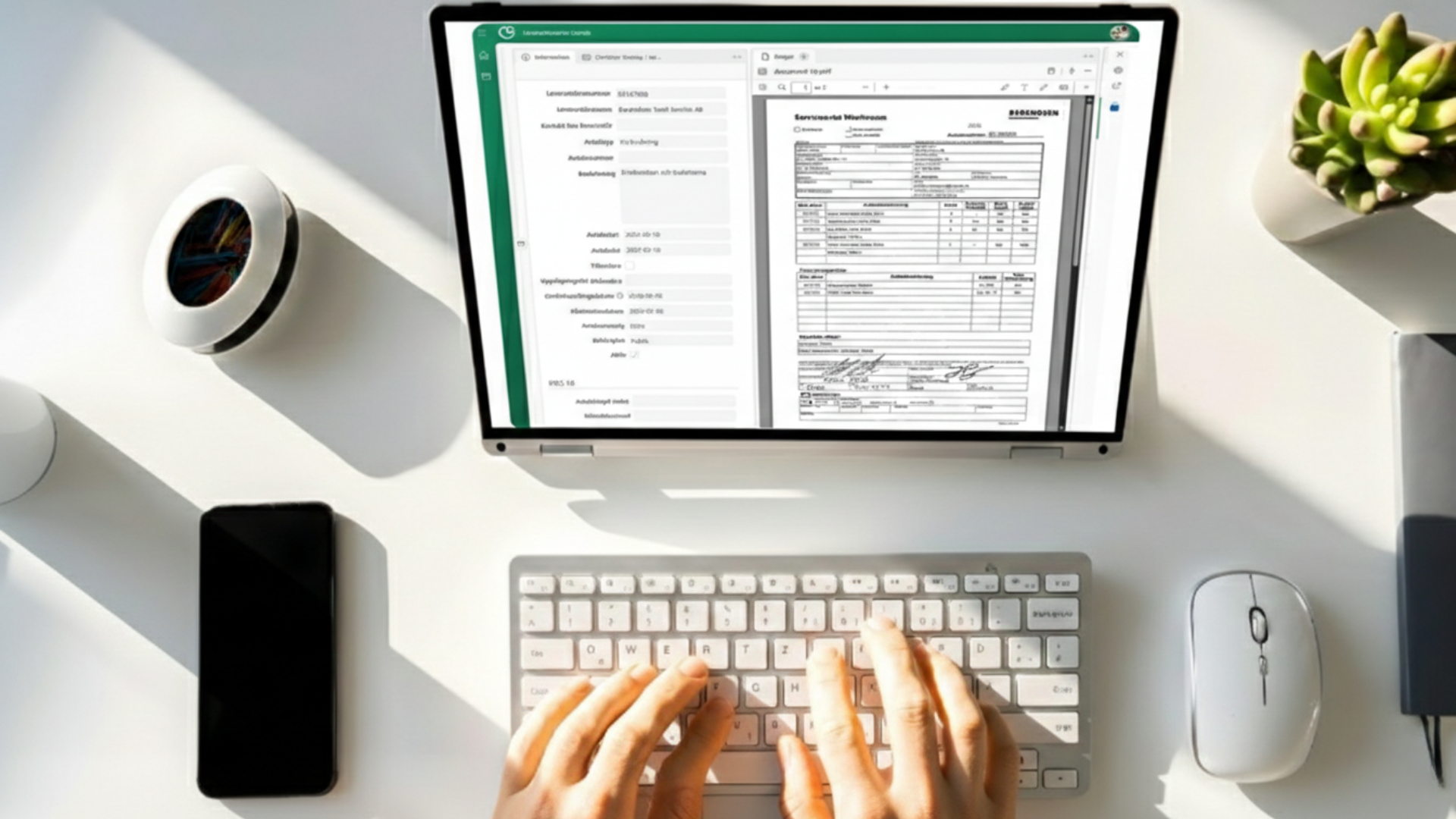
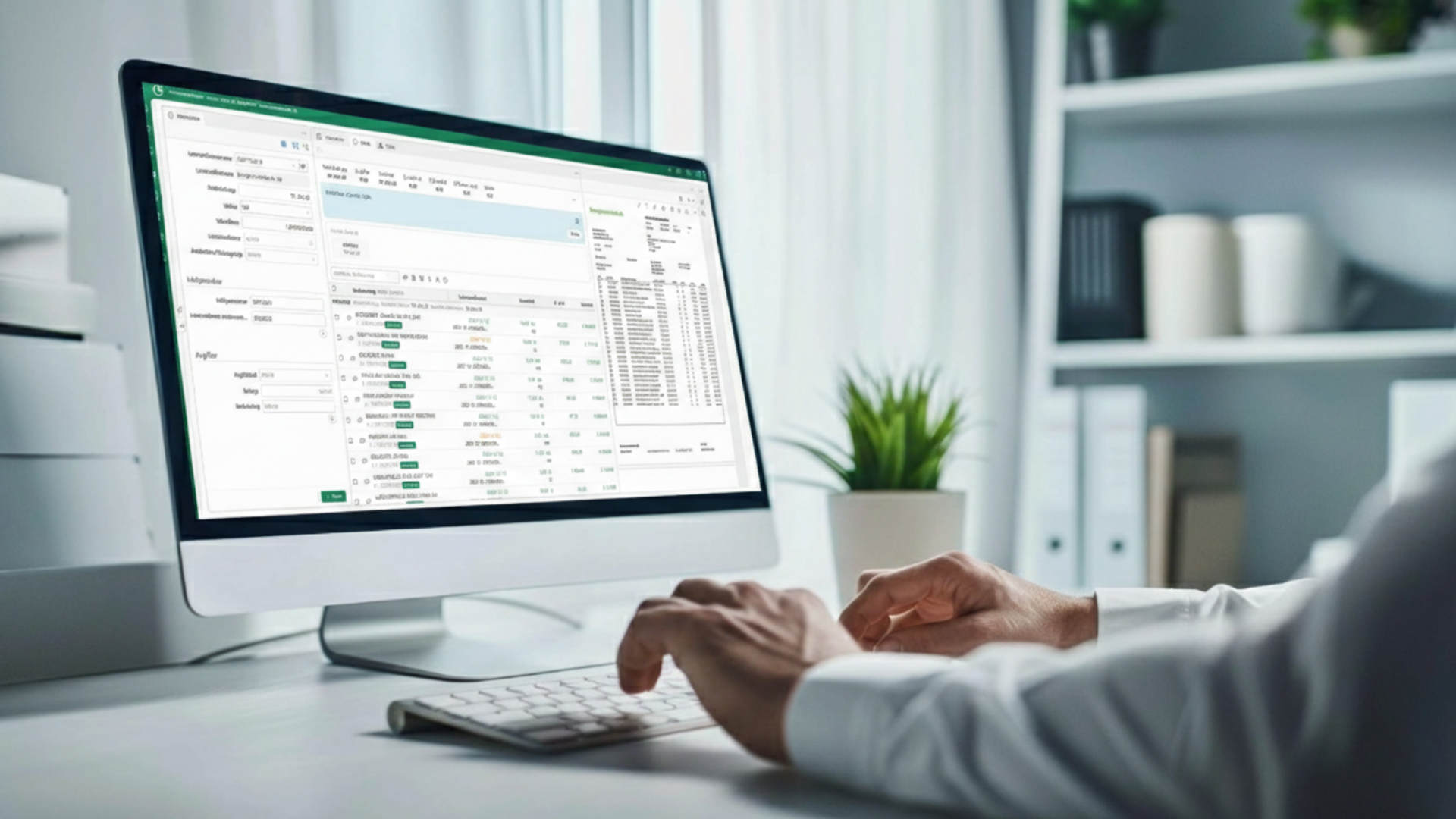
When a user opens an invoice in their inbox and realizes something is wrong, they can create a complaint right there, directly from the "Message" tab on the invoice. Information such as the supplier number and amount is automatically transferred, and the invoice screen is displayed as a reference while the details are being filled in. It’s fast, easy, and you don’t have to leave the system.
Result: The complaint is created where the error is detected, immediately and accurately, without any manual steps in between.
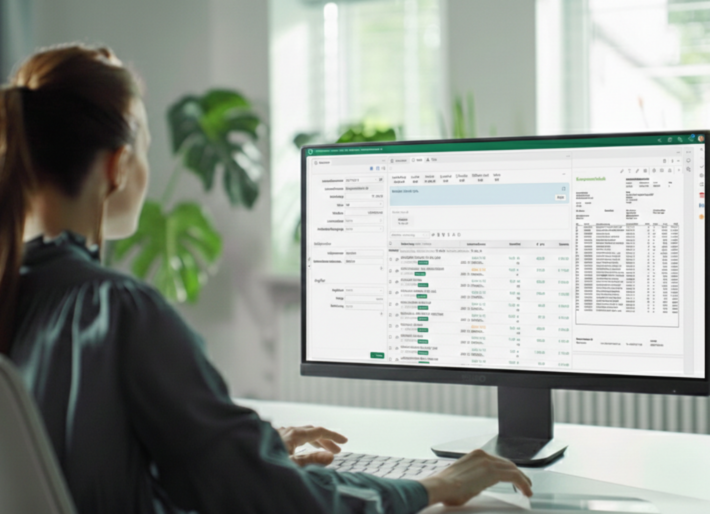
A claim can include up to ten separate lines of information and amounts. The amounts are automatically totaled, and the system ensures that the claimed amount never exceeds the invoice’s total amount. If you wish to create an additional claim for the same invoice, you may do so as long as the total claimed amount remains within the invoice’s limit.
Result: Flexible handling of complex complaints with built-in controls that prevent errors.
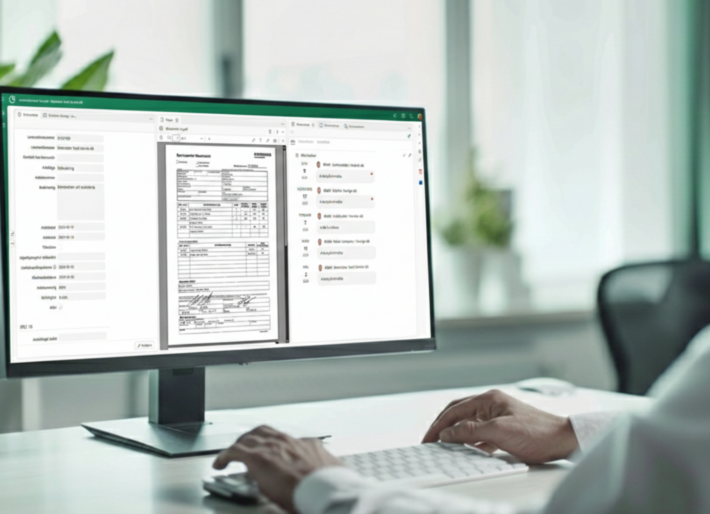
Every time a complaint is edited, a new version is created. The original version is always retained, and all changes can be tracked over time. The attachment on the invoice is automatically updated to the latest version, and previous versions can be easily accessed via the Attachments tab.
Result: Full traceability—you can always see what has been changed, by whom, and when.
When a credit invoice is received, the supplier number is automatically checked. If there are any active complaints regarding that supplier, they are displayed, and the administrator can select which complaint entries to link to the credit invoice. The credit invoice is then sent directly to the person or persons who created the complaints.
Result: The credit invoice is routed to the right person with the right connection without manual tracking
When a credit invoice linked to a complaint is approved, an automatic reminder appears stating that the complaint must also be approved. Once the complaint is approved, the status is set to Approved and the case is closed.
Result: Nothing falls through the cracks. The complaint is closed once the credit invoice has been processed.
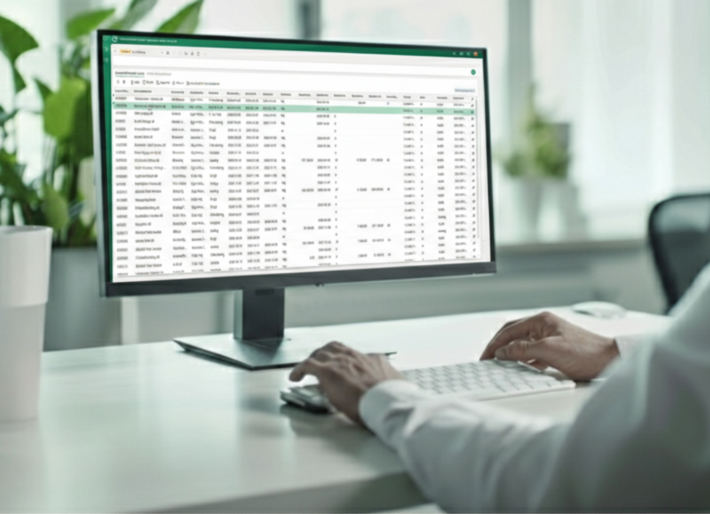
When a complaint is marked as "Disputed," the invoice is automatically updated with the complaint status and the disputed amount in the information tab. These fields are searchable in the invoice folder—in the inbox, watchlist, and archive.
Result: A complete overview of all active and closed complaints, always available.
We have over 30 years of experience digitizing business processes for medium-sized companies in the private sector. Our invoice dispute resolution module is:


Companies that implement the invoice complaint module often highlight:
Contact us, and we’ll show you how to set up a structured claims process that fits your procedures and invoicing workflow. You’ll get to see the entire workflow, ask questions, and receive specific guidance tailored to your needs.
It takes just 30 seconds to contact us, and you’ll save time every time you need to dispute an invoice.
You can create a complaint directly from the invoice in your inbox, via the "Message" tab. There you'll find the "Create New Invoice Complaint" button, and the invoice details will be automatically transferred to the complaint form.
Yes, it is possible to create more than one dispute on a single invoice, as long as the total disputed amount does not exceed the invoice total. Existing disputes are displayed in the message box as a reminder.
Every time a complaint is edited and saved, a new version is created. The original version is always retained, and previous versions can be accessed via the "Attachments" tab. The attachment on the invoice is automatically updated to the latest version.
When a credit invoice is posted, the supplier number is automatically checked. If there are any active complaints, they are displayed, and the administrator selects which complaint lines to link. The credit invoice is then sent to the user or users who created the complaints.
You can delete a complaint as long as it has the status "Not Sent." Once the complaint has been approved and has the status "Complainant," it can no longer be deleted. If you want to disable the ability to delete complaints, you can do so in the user settings.
When saving, the user chooses whether the PDF should be created in Swedish or English. The document is automatically generated using the information entered and saved as an attachment to the invoice.
Absolutely. The module is a natural part of Conrab Optos’s invoice workflow and is integrated with approval, archiving, and financial system integration. This provides a seamless workflow from incoming invoice to completed credit management, without any manual steps or information gaps.
Conrabs' case management system adapts to your workflows—whether you're handling 5 or 50 different types of cases.
Want to know more?
The most comprehensive system on the market
Want to know more?